Your device
Windows
Windows 10 (64-bit) or later
Download for Windows
Installed by the Microsoft Store: no warnings, automatic updates.
Free, no account. Unlimited receiving, 10 GB of sending per month, and everything unlimited with Pro.
Windows 10 (64-bit) or later
Installed by the Microsoft Store: no warnings, automatic updates.
macOS 12 or later, Apple Silicon and Intel
Android 8.0 or later
A signed .apk, the same app as on the Play Store. It tells you when a new version is out.
The Google Play test installs the same app with no warning at all, and the Play Store keeps it updated. Three steps, about 5 minutes.
Then wait about 5 minutes: that’s how long Google Play takes to open your access. Before that, step 3 shows "not found".
Blank page at step 2? Join the group first (step 1), with the same Google account. Installed from the .apk before? Uninstall it first: the Play Store cannot replace it.
Testers wanted: 1 year of Pro for relevant feedback on the Discord.
iOS 13 or later, iPhone and iPad
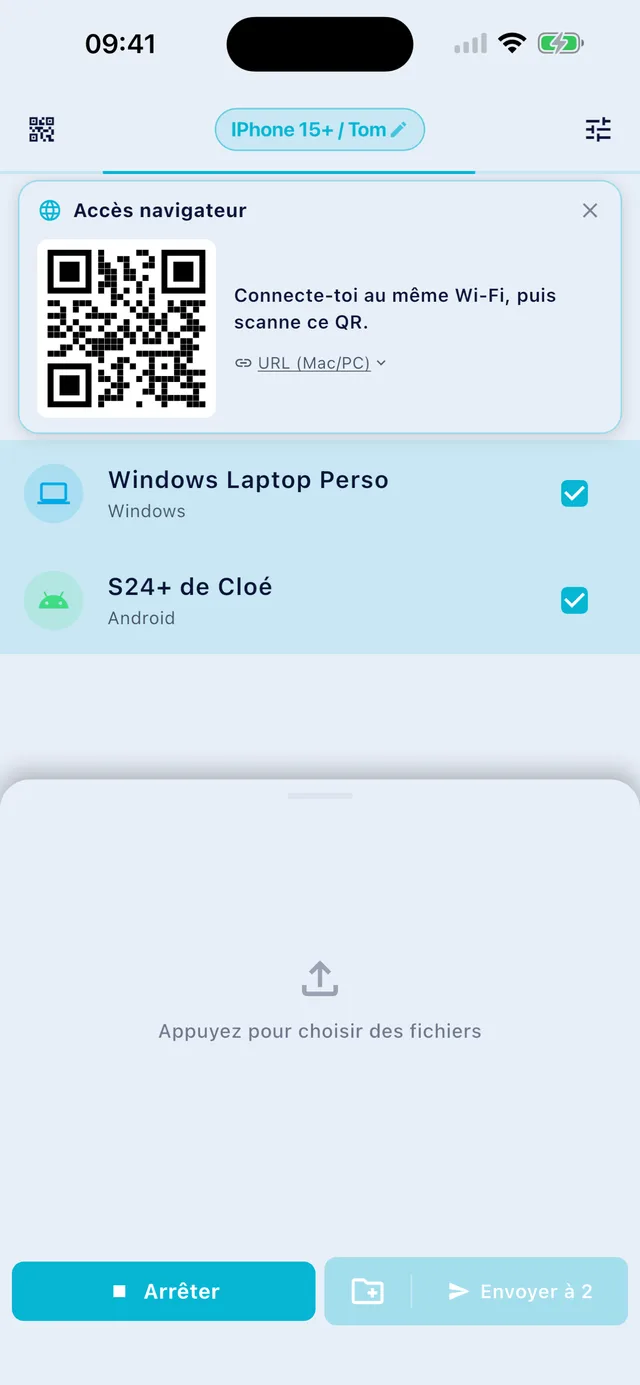
The same app as on Mac, Windows and Android, installed and updated by the App Store. An iPhone without the app still receives: it scans the QR code shown by GreySpace, and the files land in Safari.
Free, no account.
For anything else, email us.
Yes. The Free plan is free forever: unlimited receiving, 10 GB of sending per month, full speed, no account. The day you hit 10 GB, the app even gives you 7 unlimited days, no card (except on iPhone and iPad).
If you send heavy files every day, Pro removes the sending limit: €5.99 per month, or €39.99 per year.
No. Files travel over your local Wi-Fi, or over a hotspot between two devices, and never touch the internet. The Free plan needs no connection at all.
A Pro subscription checks in now and then to confirm it is active, and if it can’t, it keeps working for 14 days without network.
GreySpace is on the App Store, for iPhone and iPad. Get the app, it’s free.
An iPhone without the app can still receive: it scans the QR code shown by GreySpace and the files land in Safari. From that same browser, it can also send you files.
The Free plan has no device limit at all: install it everywhere, no account. A Pro subscription covers up to 5 active devices (your phone, your computer, your tablet, and two more), and you can free up a slot whenever you want to add a new one.