An AirDrop alternative that also works on PC and Android.
The same gesture, between Mac, Windows, Android and iPhone. And it holds 500 GB without dropping.
Free up to 10 GB of sending a month, no account. Other platforms

And on your phone? Scan this code, it opens the right store.
And on your computer?
Where AirDrop leaves you stuck
-
Apple, and nothing else
One PC or one Android in the room, and sharing stops right there.
GreySpace does the same between Mac, Windows, Android and iPhone, up to 1 GB in 9 seconds.
-
In range, or nothing
Both devices have to stay side by side, Bluetooth and Wi-Fi on.
GreySpace uses your Wi-Fi, or spins up a hotspot: up to 900 Mb/s, no router needed.
-
Big volumes wear it out
On 500 GB of footage, the device drops off the list and everything starts over.
GreySpace retries on its own when the Wi-Fi drops, without resending what already arrived, and verifies every file on arrival.
A PC in front of you? It still receives.
Native apps on Mac, Windows, Android and iPhone. And anyone without the app scans the QR code and receives in their browser.
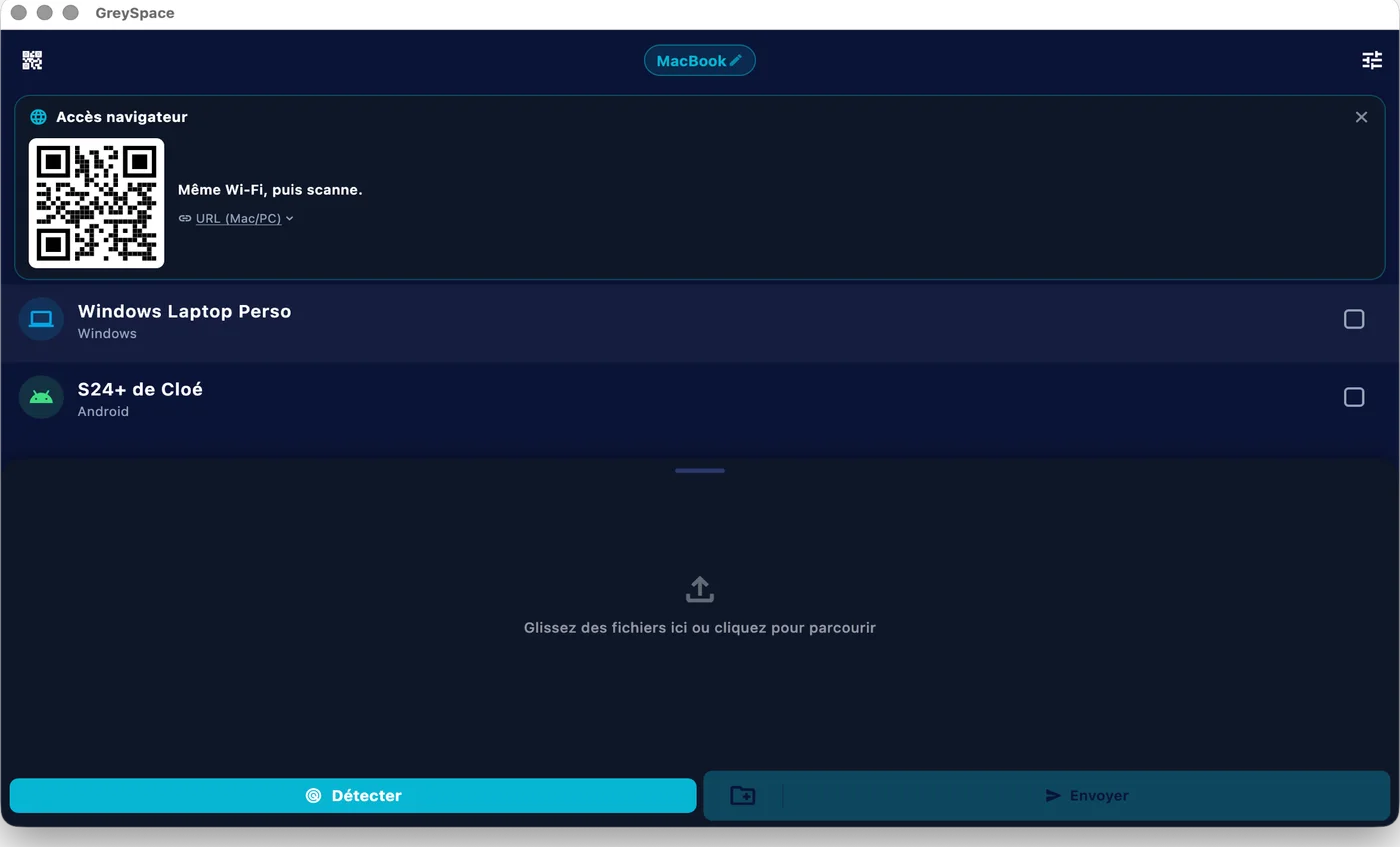
 GreySpace
 Connected to MacBook
500 GB of footage, no dropouts.
The Wi-Fi wobbles for a few seconds: GreySpace retries on its own, without resending what already arrived, and every file is verified on arrival.
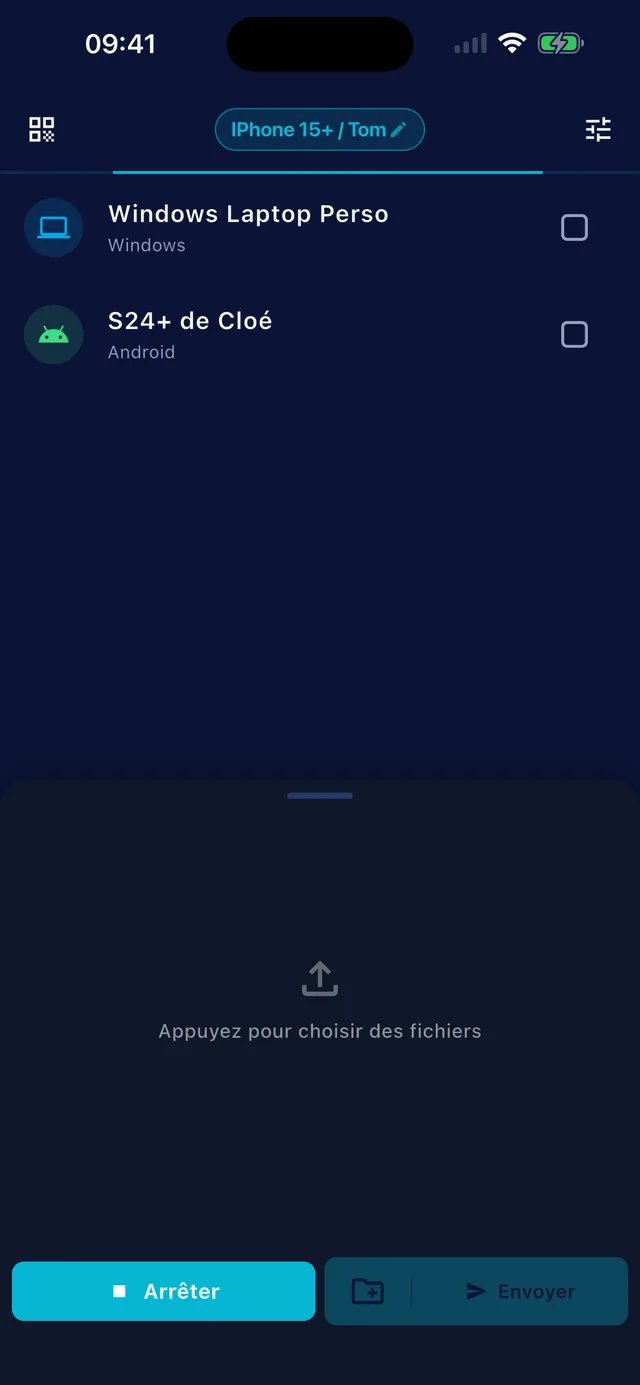
Full speed, on your own Wi-Fi.
Up to 1 GB in 9 seconds on Wi-Fi 6 or a hotspot, 1 GB in 20 seconds on Wi-Fi 5. No internet, and no server in between.
The race for 1 GB of video
Wi-Fi 6 or hotspot: up to 900 Mb/s. Wi-Fi 5: around 400 Mb/s. Cloud: capped by your upload (10 to 50 Mb/s), then the download on the other side.
Also included
Four things AirDrop does not do, and that work with no setup at all.
-
Mac, Windows, Android, iPhone
Four native apps, the same gesture everywhere
-
Even without the app
One QR code, and they receive in their browser
-
No size limit
500 GB in one go, no splitting, no zip
-
No internet needed
Your local Wi-Fi, or a hotspot between two devices
Sending footage every week? Pro lifts the 10 GB monthly limit: €39.99 a year, that’s €3.33 a month.
See ProPeople often ask
For anything else, email us.
How is it different from AirDrop?
AirDrop works great, between Apple devices. GreySpace does the same between Mac, Windows, Android and iPhone, and holds up on big volumes: 500 GB of footage without dropping, resuming if the Wi-Fi wobbles.
What about iPhone?
GreySpace is on the App Store, for iPhone and iPad. Get the app, it’s free.
An iPhone without the app can still receive: it scans the QR code shown by GreySpace and the files land in Safari. From that same browser, it can also send you files.
How fast is it?
As fast as your Wi-Fi, with no throttling on our side. On a Wi-Fi 5 router, expect around 400 Mb/s: 1 GB in 20 seconds. On Wi-Fi 6 or a hotspot between two recent devices, up to 900 Mb/s: 1 GB in 9 seconds.
A cloud upload, by contrast, is capped by your upload speed, often 10 to 50 Mb/s. And the other side still has to download.
Are my files private?
Yes. They go directly from your device to the receiver’s, on your local network. No third-party server, even as a fallback: GreySpace never relays through the cloud.
No account on the Free plan, no usage tracking in the app, nothing collected. What moves between your devices stays between your devices.
Send anything. In one click.
Free up to 10 GB of sending a month, no account. Other platforms