A Phone Link alternative, on Mac too and Android.
Phone Link connects your iPhone to your Windows PC and sends files both ways. GreySpace sends between iPhone, Mac, PC and Android, over your Wi-Fi.
Free up to 10 GB of sending a month, no account. Other platforms

And on your phone? Scan this code, it opens the right store.
And on your computer?
The right tool for your devices.
An iPhone and a Windows PC, that’s all
Phone Link already does the job: since iOS 16, the Link to Windows app sends your files from the Share menu, and the PC sends its own back with a right-click, Share. Keep it.
A Mac, an Android, or everyone
Phone Link connects a phone to a Windows PC. A Mac, a swap between an iPhone and an Android, a colleague next to you: GreySpace sends between all of them, on the same Wi-Fi.
Sending big batches? GreySpace retries on its own if the Wi-Fi drops, without resending what already arrived, and checks every file on arrival.
What Phone Link doesn’t cover
-
No Mac
Phone Link is a Windows app: a Mac is left out.
GreySpace has a Mac app, notarized by Apple, and the same one on Windows.
-
One phone, one PC
It connects a phone to a PC: it isn’t built for a swap between two phones.
GreySpace sends between iPhone, Android, Mac and PC, every which way.
-
An app and a pairing
You need iOS 16 or later, the Link to Windows app on the iPhone, and to pair both.
An iPhone without GreySpace still receives: it scans the QR code and gets the files in Safari.
An iPhone without the app? It scans.
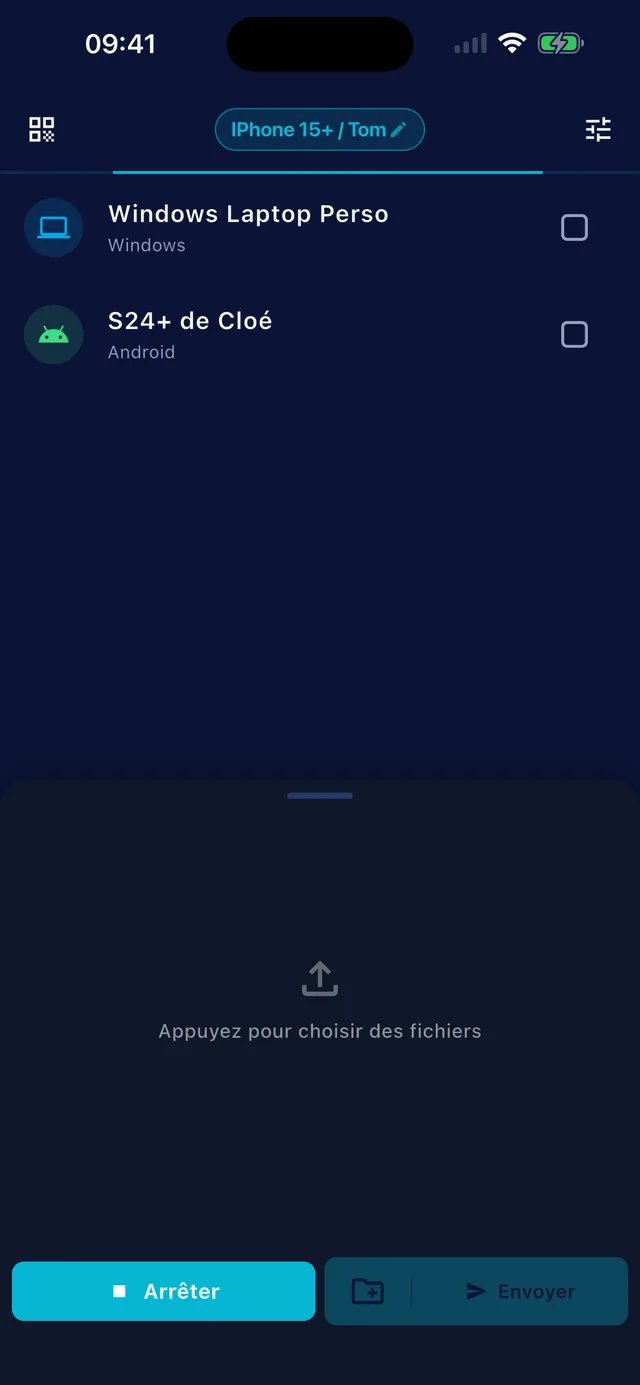
On the PC or the Mac, GreySpace shows a QR code. The iPhone scans it with the camera and gets your files in Safari, or sends you its own. Nothing to install.
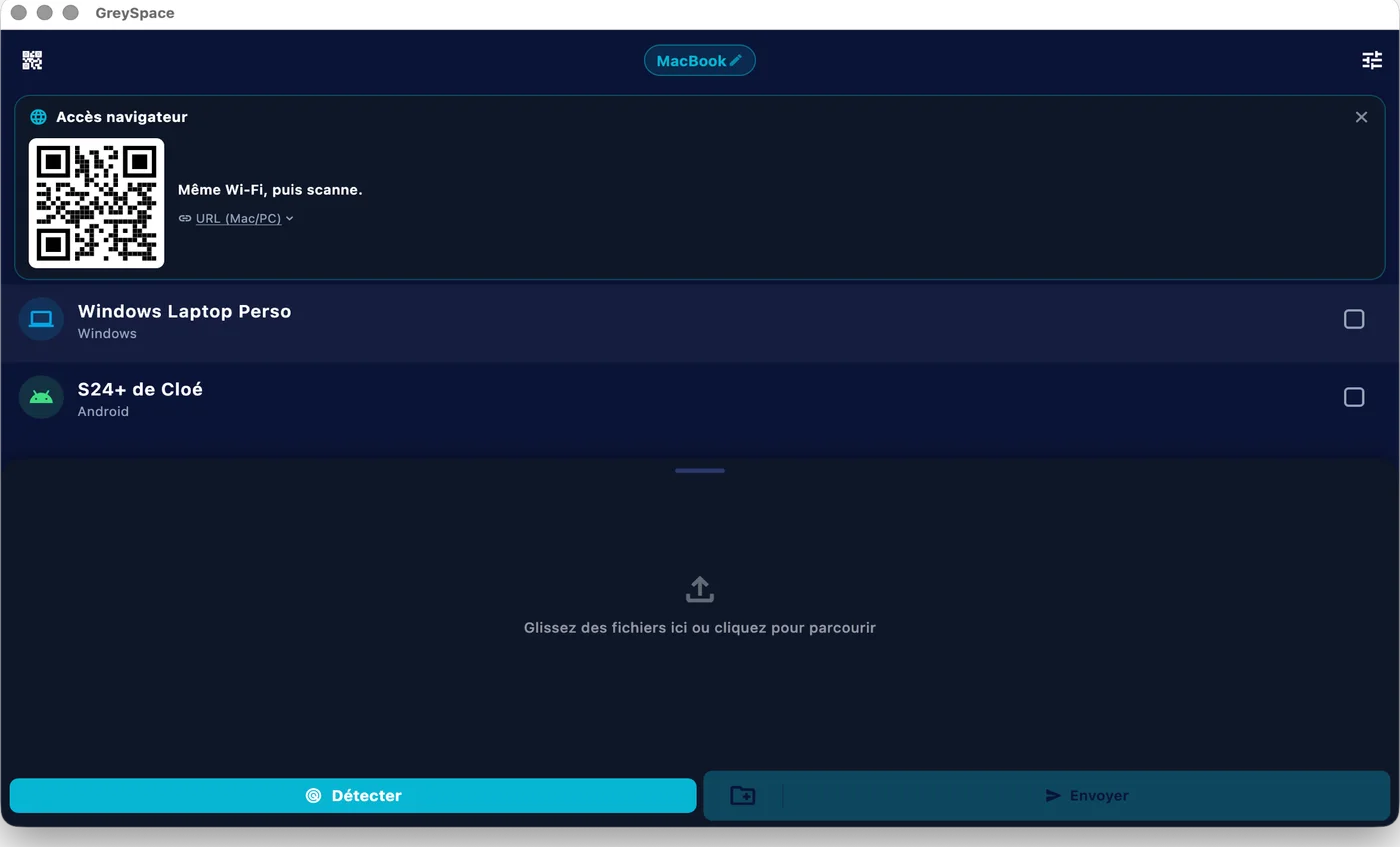
 GreySpace
 Connected to MacBook
Wi-Fi drops? It picks up.
GreySpace retries on its own when the Wi-Fi drops for a few seconds, without resending what already arrived. Every file is checked on arrival.
A whole folder, in one send.
From a Mac or a PC, every file in the folder goes in one pass, no zip. No limit with Pro, up to 10 GB a month on Free.
- A001_C012.mov
- IMG_4821.dng
- Interview_cam-B.mov
- A001_C014.mov
- Room_tone.wav
- and 147 more files
Also included
What GreySpace adds between your devices.
-
Mac, Windows, Android, iPhone
The same app everywhere
-
No account
Neither to send, nor to receive
-
No internet needed
Your local Wi-Fi is enough, or a hotspot
-
Never a server
The file goes from one device to the other
Checked on 19 September 2026 on the Windows Insider Blog (announcement of 11 December 2024). Phone Link and Windows are trademarks of Microsoft Corporation. iPhone and Mac are trademarks of Apple Inc. GreySpace is not affiliated with Microsoft or Apple.
People often ask
For anything else, email us.
Can Phone Link send files from an iPhone?
Yes, since iOS 16, with the Link to Windows app on the iPhone. On the iPhone: Share, Link to Windows, then your PC. On the PC: right-click a file, Share, then your phone, for files saved on the PC.
Source: Windows Insider Blog, 11 December 2024, checked on 19 September 2026.
Is there Phone Link for Mac?
No: Phone Link only exists on Windows. With an Android phone and a Mac, GreySpace sends your files both ways over your Wi-Fi. Between an iPhone and a Mac, AirDrop does the job for a few files; GreySpace is for when a PC or an Android joins in, or for big batches that must pick up if they drop.
Do I need to keep the iPhone unlocked while sending?
Yes, for now. iOS pauses an app that goes to the background: if you lock the iPhone during a send, the transfer stops. GreySpace blocks auto-lock while a transfer is running, so leave the app open until it’s done.
If it did stop, send again. Nothing arrives half-done: every file is checked before it is put away.
Is it really free?
Yes. The Free plan is free forever: unlimited receiving, 10 GB of sending per month, full speed, no account. The day you hit 10 GB, the app even gives you 7 unlimited days, no card (except on iPhone and iPad).
If you send heavy files every day, Pro removes the sending limit: €5.99 per month, or €39.99 per year.
Send anything. In one click.
Free up to 10 GB of sending a month, no account. Other platforms